Hosts
srv01
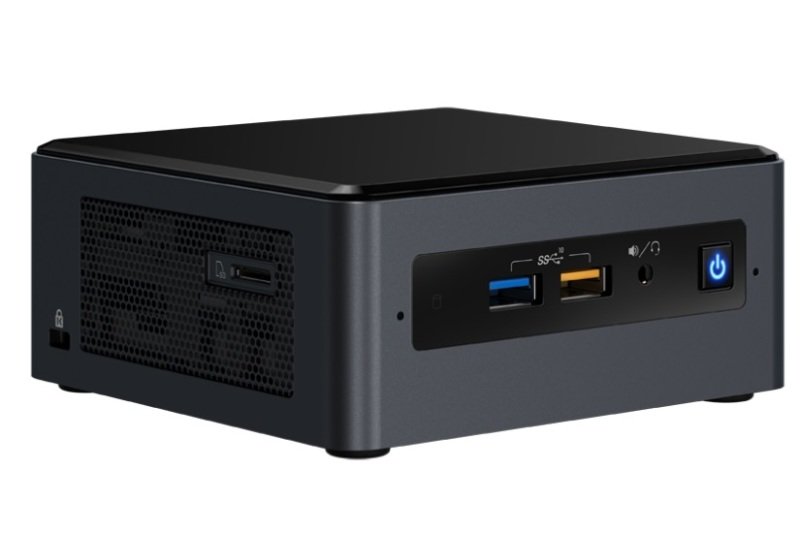
Intel NUC8i3BEH3
Intel Core i3-8109U (2-core, up to 3.6GHz)
2 x 8GB DDR4-2666 RAM
256GB SSD
This was the original workload-hosting server before those workloads outgrew it and moved into the lab architecture that runs on the three servers below. It functions as the hardened entry-point to the network for external traffic, especially SSH traffic.
lab01..06
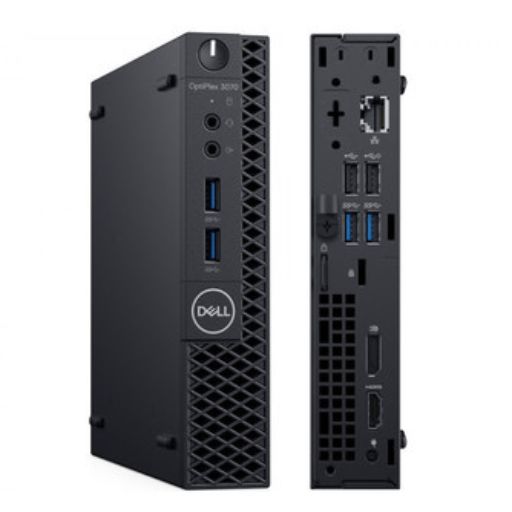
Dell OptiPlex 3070 Micro
Intel Core i5-9500T (6-core, up to 2.2GHz)
2x 16GB DDR4 RAM
256GB NVMe storage (OS and software)
960GB or 800GB SSD storage (Ceph)
Lab servers.
These were given to us after being decommissioned as thin-clients at work. They’re not high-performance machines but they don’t need to be - they’re relatively low-power devices that are happy to run light-to-medium workloads 24/7.
nfs01
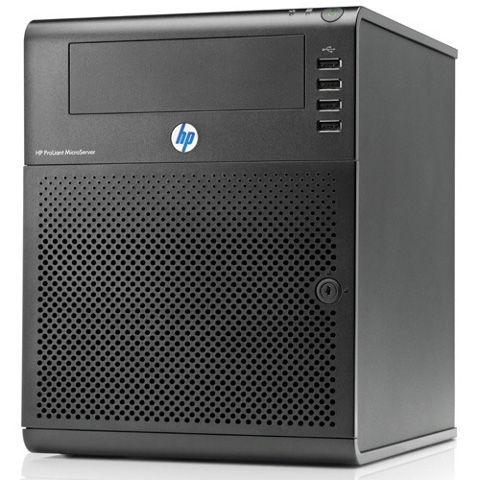
HP ProLiant N40L
AMD Turion II Neo N40L (2-core, 1.5GHz)
2 x 4GB DDR3-1333 RAM
500GB local HDD
4TB NAS capacity
This is the network accessible storage (NAS) server in the garage. It provides bulk storage for things like CCTV recordings and backups. It doesn’t have a lot of compute power, but it has been given a lot of storage!
The bulk storage is spread across 4 x 2TB disks and has a total usable capacity of around 4TB. The total is lower than the sum of the disks because we sacrifice some space for fault-tolerance: the disks are organised into a 3-disk RAID5 array with one disk as a hot spare. Normally RAID5 can tolerate one disk failing, so having RAID5 and a hot spare means that one disk can fail, the spare disk will automatically join the array, then we still have fault tolerance while the dead disk is replaced. Rebuilding a RAID5 array also puts significant stress on the disks - having the spare reduces the likelihood of a cascade of disk failures when one fails, then rebuilding causes another to fail (which would be irrecoverable).
The RAID array is implemented in software by mdadm (as opposed to a dedicated hardware RAID controller) - you can see the RAID status by running mdadm --detail /dev/md0 as root. The RAID status is monitored as part of the observability stack, so we will get alerts if any disks fail.
desktop01
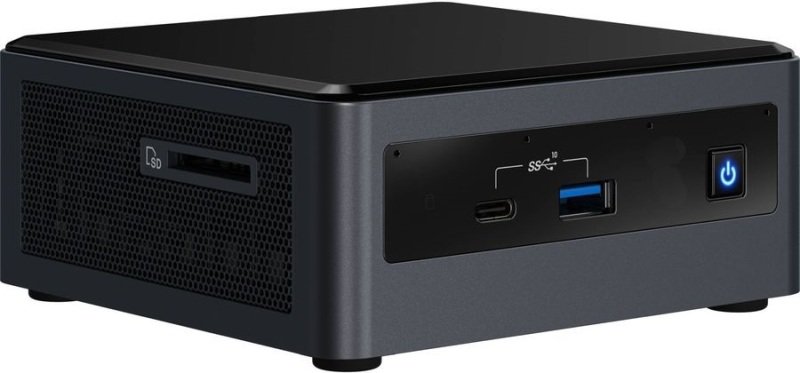
Intel NUC10i7FNH
Intel Core i7-10710U (6-core, up to 4.7GHz)
32 GB RAM
500GB NVMe M.2 storage
Mark’s desktop.
laptop01
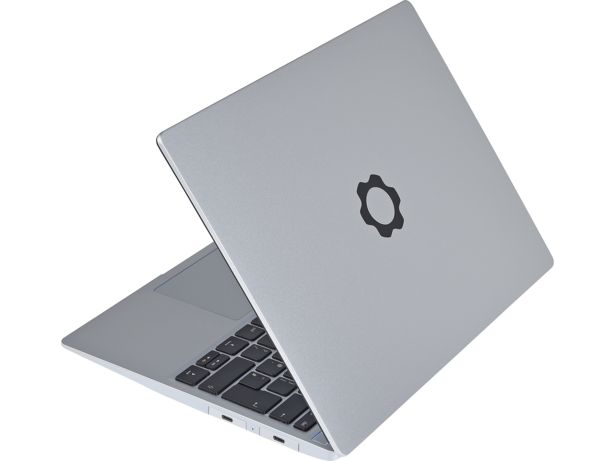
Framework 13, 13th generation
Intel Core i5-1340P (4+8-core, up to 4.6GHz)
64 GB RAM
1TB NVMe M.2 storage
Mark’s laptop.
rpi01 and rpi02
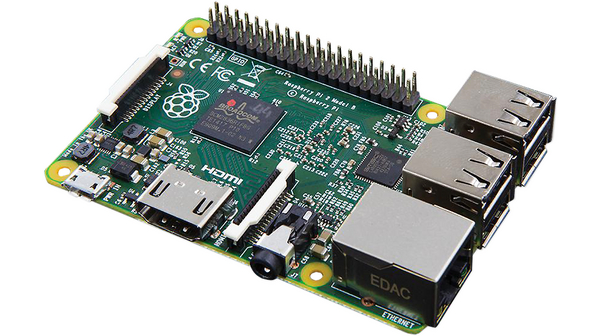
Raspberry Pi 2 Model B
ARM Cortex-A7 CPU (4-core, 0.9GHz)
1GB RAM
32GB SD card storage
Small form factor and low power devices, mostly used for highly-available Pihole.