Devices
Note
This section refers to smart home devices deployed around the house. For computing and network devices, see Hosts and Network respectively.
Hint
There are manuals for every device in a plastic wallet, along with manuals for pretty much everything else in the house.
Passive Sensors
Temperature and Humidity
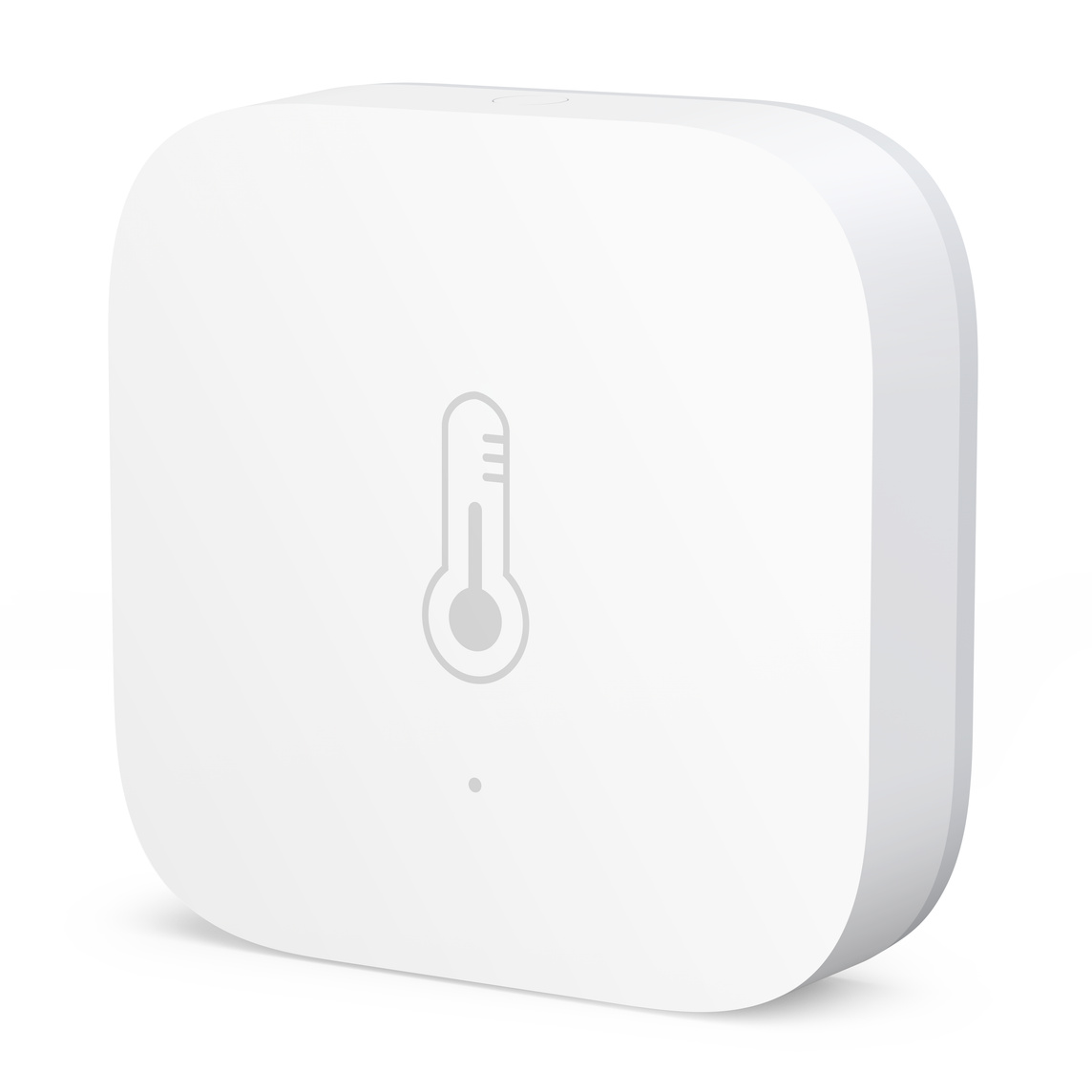
There are Aqara Temperature and Humidity Sensors in every room to report the temperature and humidity (clue in the name, really). Updates are published roughly every hour, or when there is a change in the values.
Power: CR2032 coin cell batteries (1+ year lifespan)
Communication: Zigbee
Doors and Windows
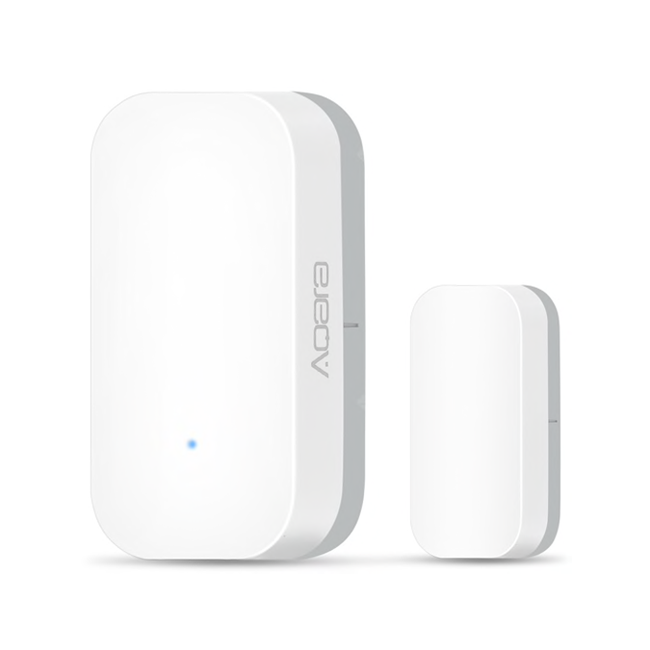
There are Aqara Door Sensors on every external door and ground-floor window. They are reported to Woodhouse as a contact item, meaning they produce a state of OPEN or CLOSED.
Power: CR1632 coin cell batteries (2+ year lifespan)
Communication: Zigbee
Motion
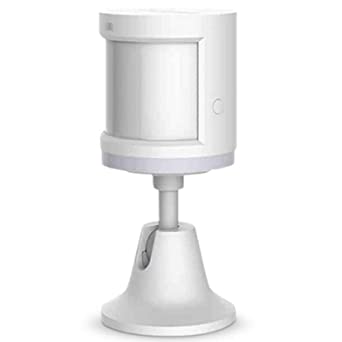
There are Aqara Motion Sensors covering every ground-floor entry point (hallway, back door, garage, living room front and back). They are modelled in Woodhouse as switch items which are ON when motion is detected and OFF otherwise. An expiry extension is used to reset them to OFF shortly after triggering.
Power: CR1632 coin cell batteries (1+ year lifespan)
Communication: Zigbee
Active Control Devices
Light Dimmers
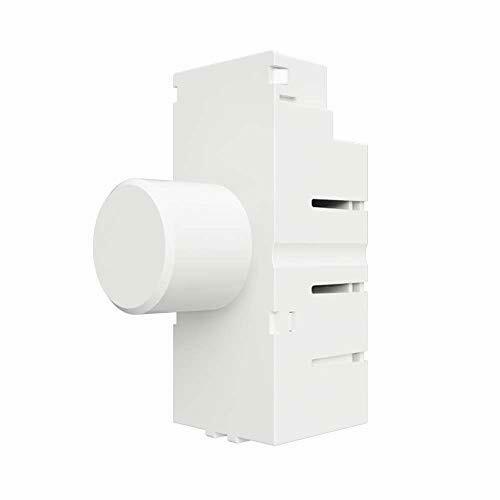
Rooms with dimmable lights use Samotech SM-323 dimmers to control them. They are modelled in Woodhouse as dimmer items which provide both brightness and on/off control. There is always a <1 second delay when turning them on/off from the physical button - this is a firmware issue and cannot be changed. Turnining them on/off remotely is close to instant.
Most dimmer switches require both a live and neutral wire to work, but unfortunately our light switch sockets only contain a single live wire (very common in older UK homes). The SM-323 is one of the few dimmers on the UK market that can work without a neutral wire; it allows a tiny amount of current to flow through the live wire at all times - enough to power its circuits but no way near enough to actually light the bulbs.
As mains-powered Zigbee devices, these also serve as routers to extend the Zigbee network mesh.
Power: mains
Communication: Zigbee
Wall Plugs
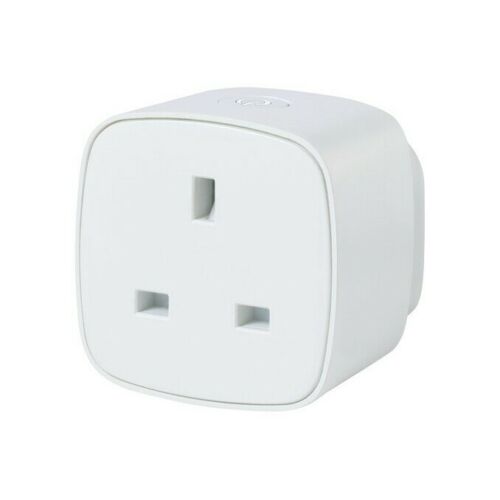
Controllable plugs are used to turn non-smart devices on and off. They are modelled in Woodhouse as switch items linked to the devices they control, rather than as actual plug sockets (e.g. one is modelled as “living room sofa lamp -> power”, rather than “plug socket behind sofa”).
Two models are used:
Innr Wall Plugs - these are the slightly smaller and nicer model, so they tend to be used in places where the plus is more visible. They are also more expensive.
SilverCrest Wall Plugs (shown in image) - these are slightly bulkier and feel slightly less solid, so they tend to be used where they are out of the way.
As mains-powered Zigbee devices, these also serve as routers to extend the network mesh.
Power: mains
Communication: Zigbee
Radiator Controllers
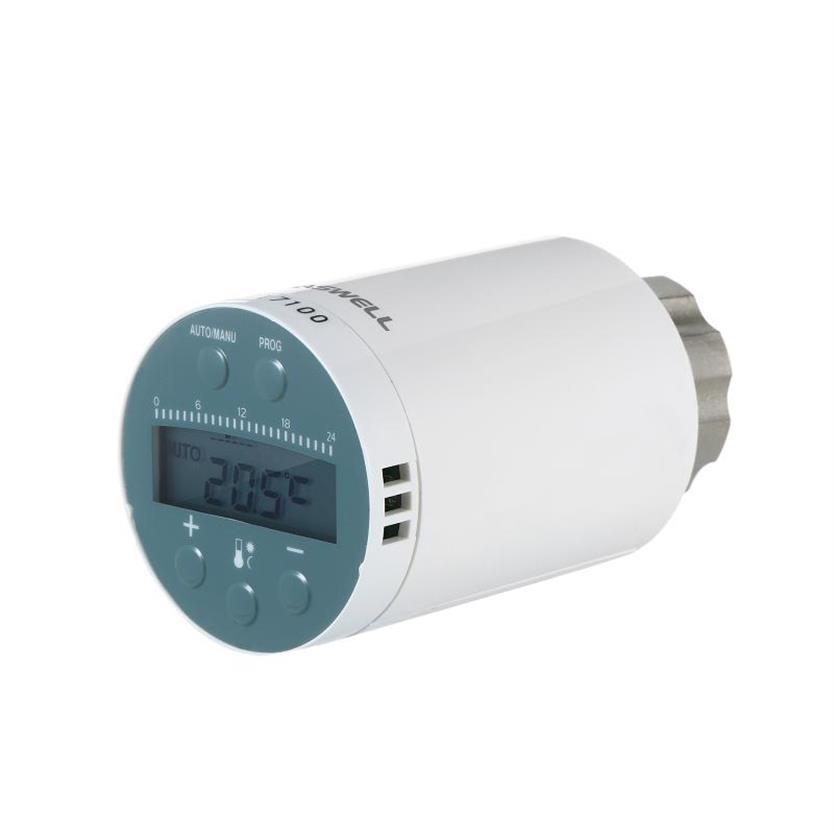
Saswell SEA801 radiator thermostats are used on most radiators to turn them on and off. They do support self-regulation (set a temperature and it will turn the radiator on and off to maintain it), but becuase they are physically attached to the heat source it isn’t very effective. Instead, we use them as simple on/off switches for the radiators by setting their target temperature to the max or setting them to be completely off. They support other “smart” features too like open window detection and anti-frost; we disable them all.
Power: 2x AA batteries (6-12 month lifespan)
When you replace the batteries the device will need to recalibrate. Wait until “test” flashes on the screen then press the minus button. It will flash “reset” on the screen, whir for a while, then finish and go back to whatever mode it was in before.
Communication: Zigbee
DIY Devices
ESPHome
TODO
WLED
TODO
Outside Christmas Lights
There are three strips of WS2812B lights on the front of the house - over the garage and porch, over Mark’s office, and over the spare bedroom - all connected in that order. They are all indexed from right to left when looking towards the house from the road, they are powered by a 5V power supply in the garage that can deliver up to 60A and controlled by WLED installed on an ESP-01. Some of the lighting details are noted here for future reference:
Strip lengths:
Over the garage and porch: 300 LEDs
Over Mark’s office: 336 LEDs
Over the spare bedroom: 151 LEDs
In the diagram below the solid lines represent two wires carrying power (brown for positive, blue for negative) and the dotted lines represent the signal (green and yellow wires). The two longer segments have power attached at both ends.
          flowchart BT
    garage["Garage"]

    power_splitter_1("4-way splitter")
    power_splitter_2("3-way splitter")
    power_splitter_3("3-way splitter")

    data_splitter_1("2-way splitter")
    data_splitter_2("2-way splitter")
    data_splitter_3("2-way splitter")
    data_splitter_4("2-way splitter")

    lights_1["Lights over Garage"]
    lights_2["Lights over Mark's Office"]
    lights_3["Lights over Spare Bedroom"]

    %% RHS of garage lights
    garage --> power_splitter_1
    garage -.-> data_splitter_1
    power_splitter_1 --> lights_1
    data_splitter_1 -.-> lights_1

    %% LHS of garage lights
    lights_1 --> power_splitter_1
    lights_1 -.-> data_splitter_2

    %% single run up the side of the house
    power_splitter_1 ----> power_splitter_2
    data_splitter_2 -...-> data_splitter_3

    %% RHS of office lights
    power_splitter_2 --> lights_2
    data_splitter_3 -.-> lights_2

    %% LHS of office lights
    lights_2 --> power_splitter_3
    power_splitter_3 --> power_splitter_2
    lights_2 -.-> data_splitter_4

    %% RHS of bedroom lights
    power_splitter_3 --> lights_3
    data_splitter_4 -.-> lights_3

    %% extra invisible flows to force some directions on the output
    power_splitter_2 ~~~ power_splitter_3
    data_splitter_3 ~~~ power_splitter_2 ~~~ lights_2
Device Communication
Zigbee
TODO
WiFi
TODO